
Brand assets
Official AmosVid brand assets and media kit: logos, product screenshots, demo videos and social images, ready to download.
Use them when you write about AmosVid, list it on a directory or review site, or feature it in an article, video, course or presentation. Journalists, bloggers, partners and creators are welcome to use them for free.
Download logo packLogos
Use the icon on its own, or the logo with the AmosVid name.


Product screenshots
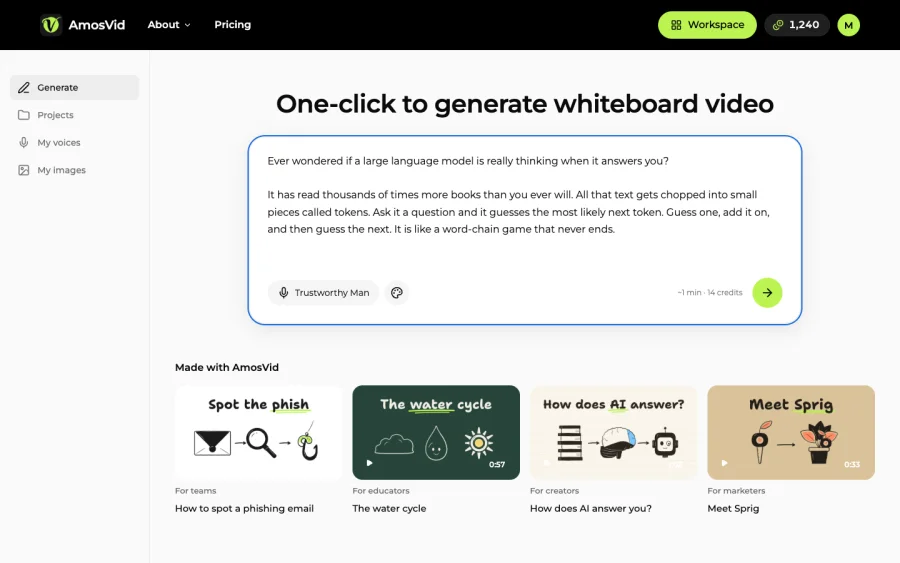
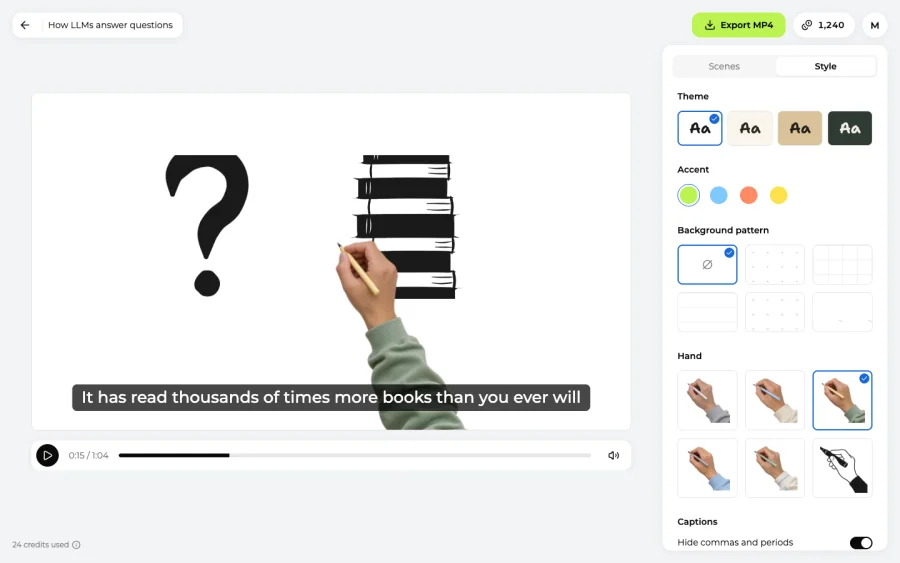
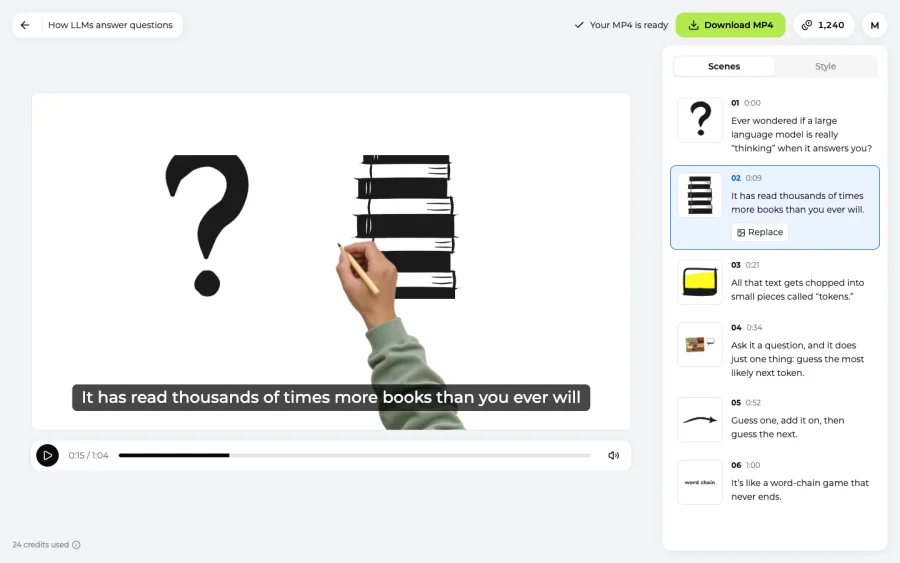
Show how a script turns into a finished video.






Video

Full demo
YouTube · 2:17
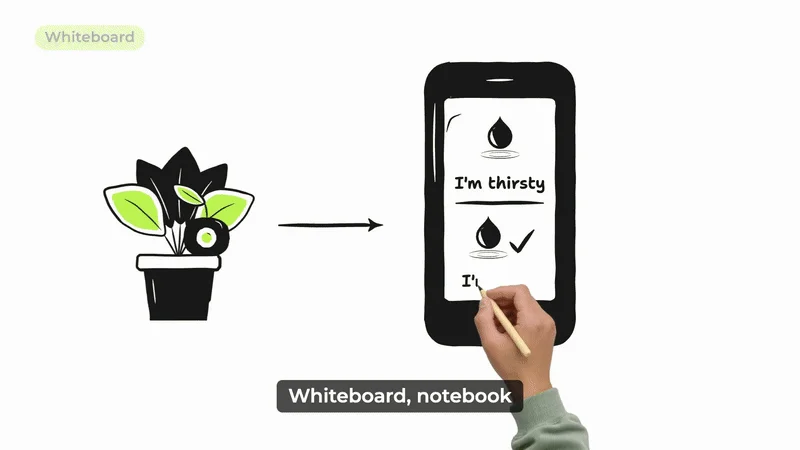
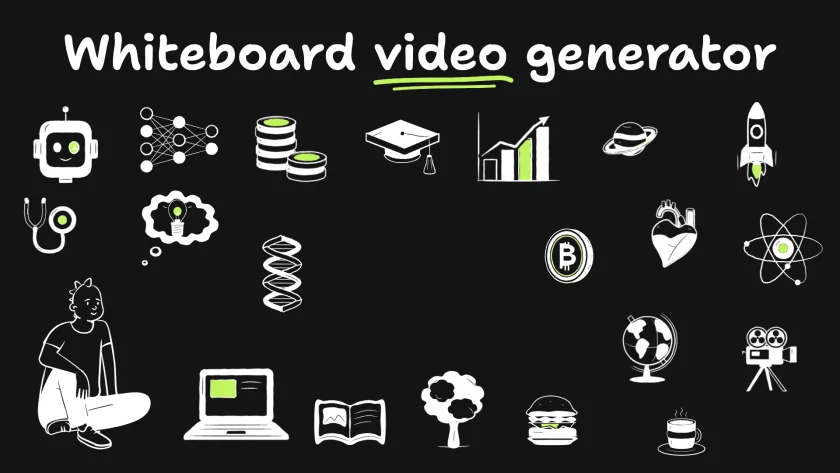
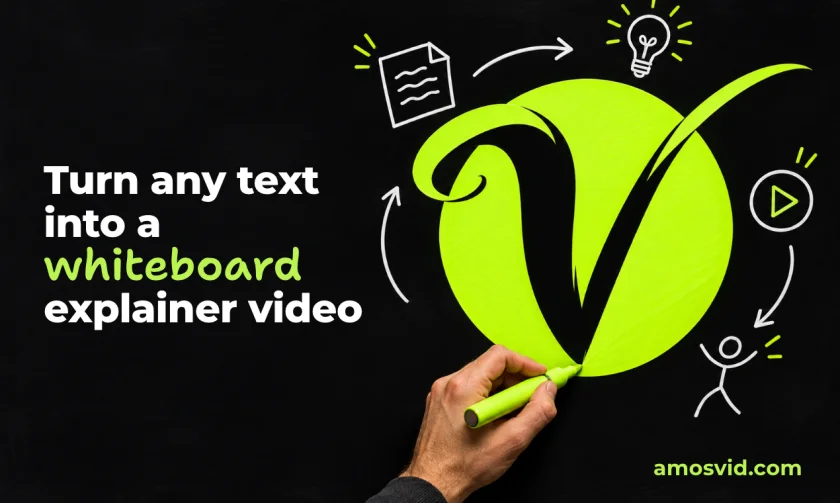
Watch on YouTubeIn this 2:17 demo, Amos pastes a script and AmosVid's AI director turns it into a narrated, hand-drawn video. He also swaps an image, switches styles, clones his voice and exports a 1080p MP4.
Transcript
Not a single frame of these videos was drawn by hand. Not a single cut was made by an editor. Every one of them came from a script. I'm Amos. I built AmosVid: if you have an idea, one click turns it into a hand-drawn explainer video.
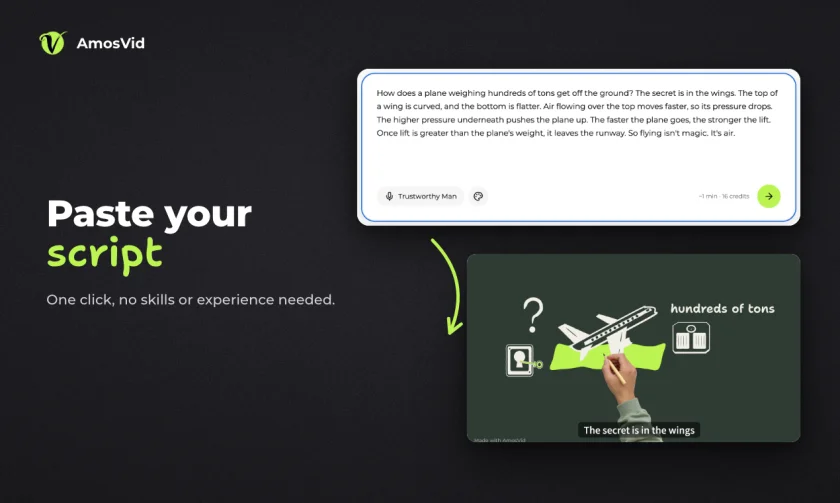
Step one: paste in your script. AmosVid checks it first and tells you roughly how long the video will be and how many credits it will use. Pick a voice and a speed, in English or Chinese, then hit Generate.
From here, AmosVid takes over. It has a built-in AI director. It reads your script, breaks it into shots, and decides what to draw in each one, how to frame it, and when every stroke lands. If the library has the right image, it picks the best fit. If not, it draws a new one on the spot. Then it adds the voiceover and sound effects. A video that used to take days now takes about as long as a cup of coffee.
Here's one it made: a short explainer on how planes fly, narrated by one of AmosVid's built-in voices. So flying isn't magic. It's air. Don't like an image? There's no need to redo the whole video. Open that shot, then pick from the library, upload your own image, or search stock photos, and swap it in.
Want a different look? Whiteboard, notebook, kraft paper or chalkboard. Switch styles in one click. You can also clone your own voice. Record about thirty seconds, and AmosVid will narrate your videos in your voice. In fact, from the very first line of this video, the voice you've been hearing is my clone.
Happy with it? Export a 1080p MP4 and share it anywhere. From an idea to a video, it's just one click. AmosVid is in beta. Sign up and get free credits. Visit amosvid.com and turn your ideas into videos.
Product Hunt gallery




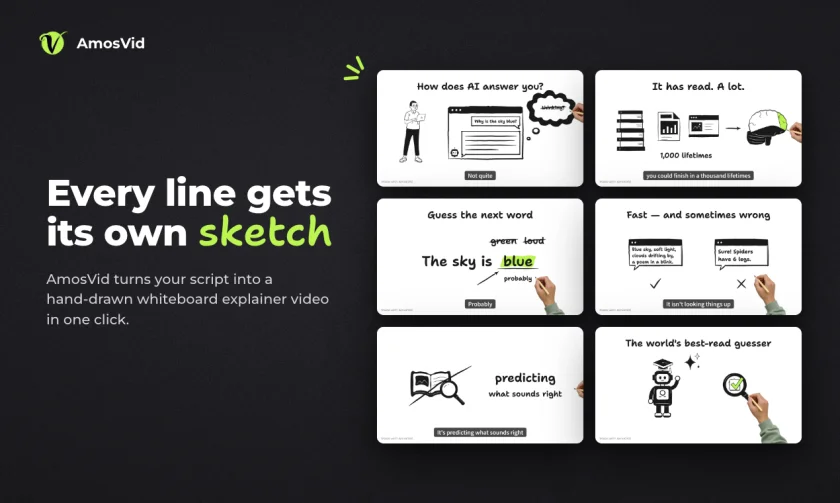


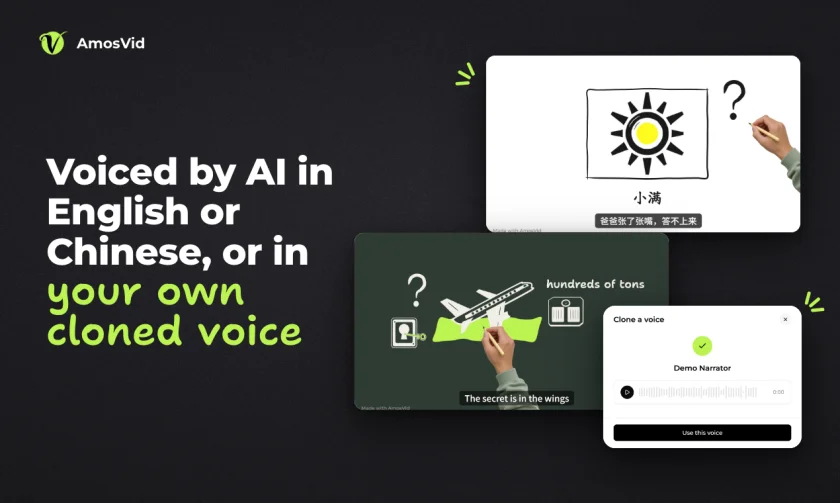


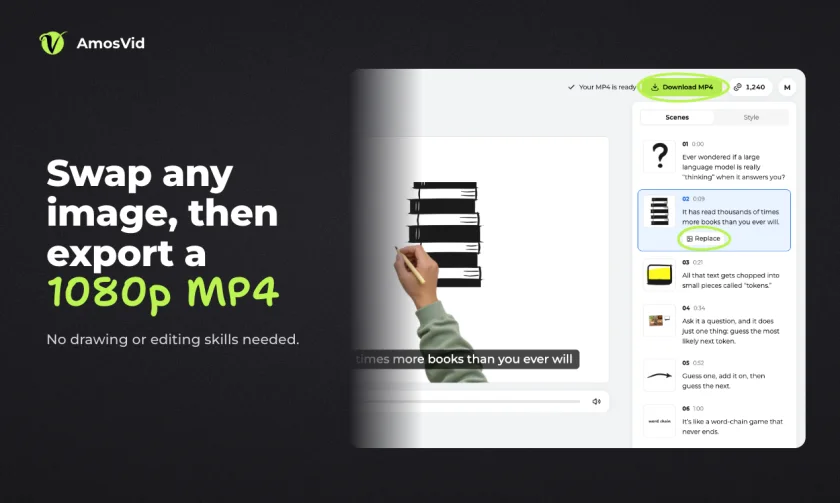


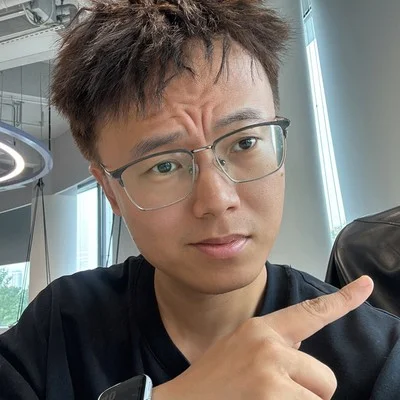
Founder

Brand colors
Lime #BBF451
RGB 187, 244, 81
Dark #18181B
RGB 24, 24, 27
White #FFFFFF
RGB 255, 255, 255
Usage guidelines
Keep the original shape
Don't stretch, rotate, recolor or redraw the logo.
Give it room
Leave clear space around the logo of at least the height of the "V".
Choose a clear background
Use the dark logo on light backgrounds and the light logo on dark ones.
Write the name as AmosVid
One word, with a capital A and V.
Don't imply a partnership
Use the assets to refer to AmosVid, not to suggest that we endorse or sponsor your product.
Link to amosvid.com
When you mention AmosVid online, please link to https://amosvid.com. Need something else? Email hello@amosvid.com.
Social images
Brand graphics for your profiles, posts and product galleries.
Instagram post
PNG · 1080 × 1350
Pinterest pin
PNG · 1000 × 1500
V mark
PNG, SVG · 963 × 774
Open Graph
PNG · 1200 × 630
Pinterest cover
PNG · 1600 × 900
YouTube banner
PNG · 2048 × 1152
X header
PNG · 1500 × 500
Reddit profile
PNG · 1500 × 500
LinkedIn banner
PNG · 1128 × 191
Reddit community · Desktop
PNG · 1072 × 128
Reddit community · Mobile
PNG · 1080 × 128
Instagram, Pinterest, X, Reddit, LinkedIn, YouTube and Open Graph.
16 PNG images
Download social pack