Free Photo to Line Drawing Converter
Free photo to line drawing converter: trace a JPEG, PNG, or WebP into line art and download a PNG or SVG. It runs in your browser with no sign-up.

Photo to line drawing limits at a glance
The converter has no cost and no sign-up, accepts images up to 20 MiB, and exports both PNG and SVG at up to 2,048 pixels on the long edge.
Item | What applies |
|---|---|
Cost | None; no account or watermark |
Input | JPEG, PNG, or WebP, up to 20 MiB |
Download | PNG and SVG, long edge up to 2,048 px |
Background | Transparent by default, or white |
Controls | 3 detail levels and 3 line weights |
Processing | In your browser; the image is not uploaded |
Larger images are scaled down to 2,048 px on the long edge, keeping the aspect ratio. Smaller images are never upscaled.
Compare a photo and an illustration with their line art
Clear outlines on a plain background trace cleanly: the hand photo keeps its finger folds, and the flat notebook illustration becomes a few crisp lines.
Hand with a marker
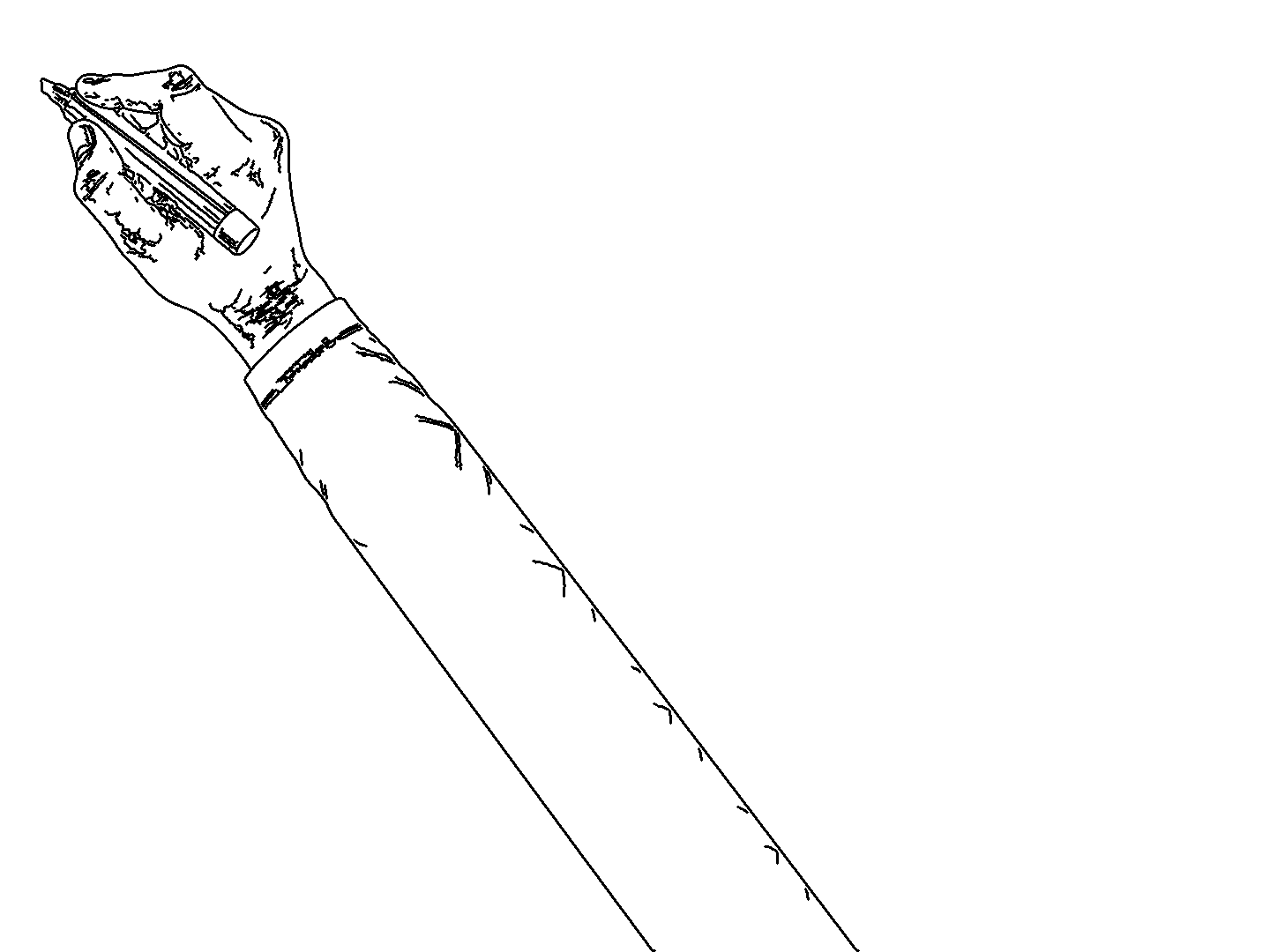
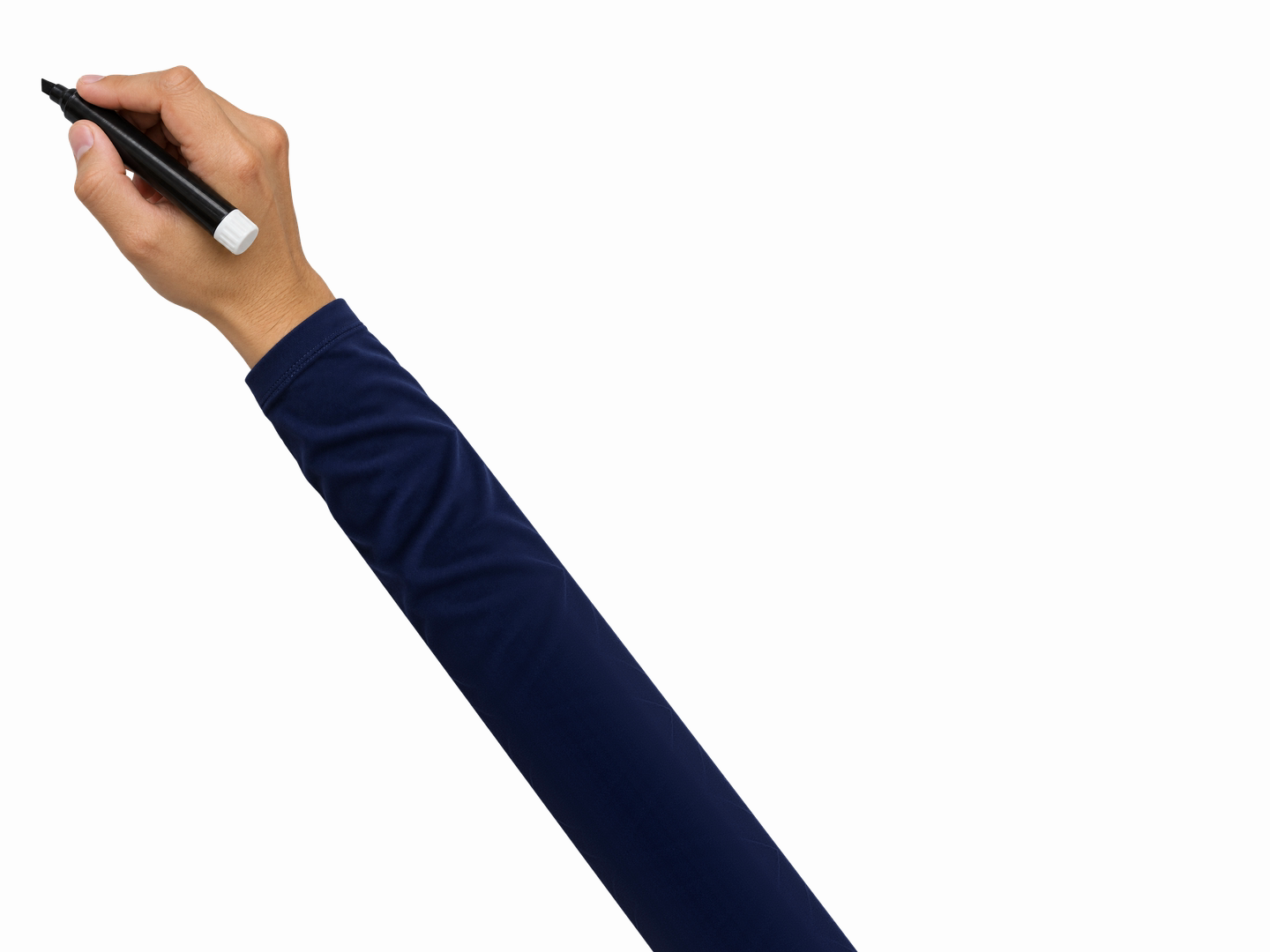 BeforeAfter
Notebook with a bookmark
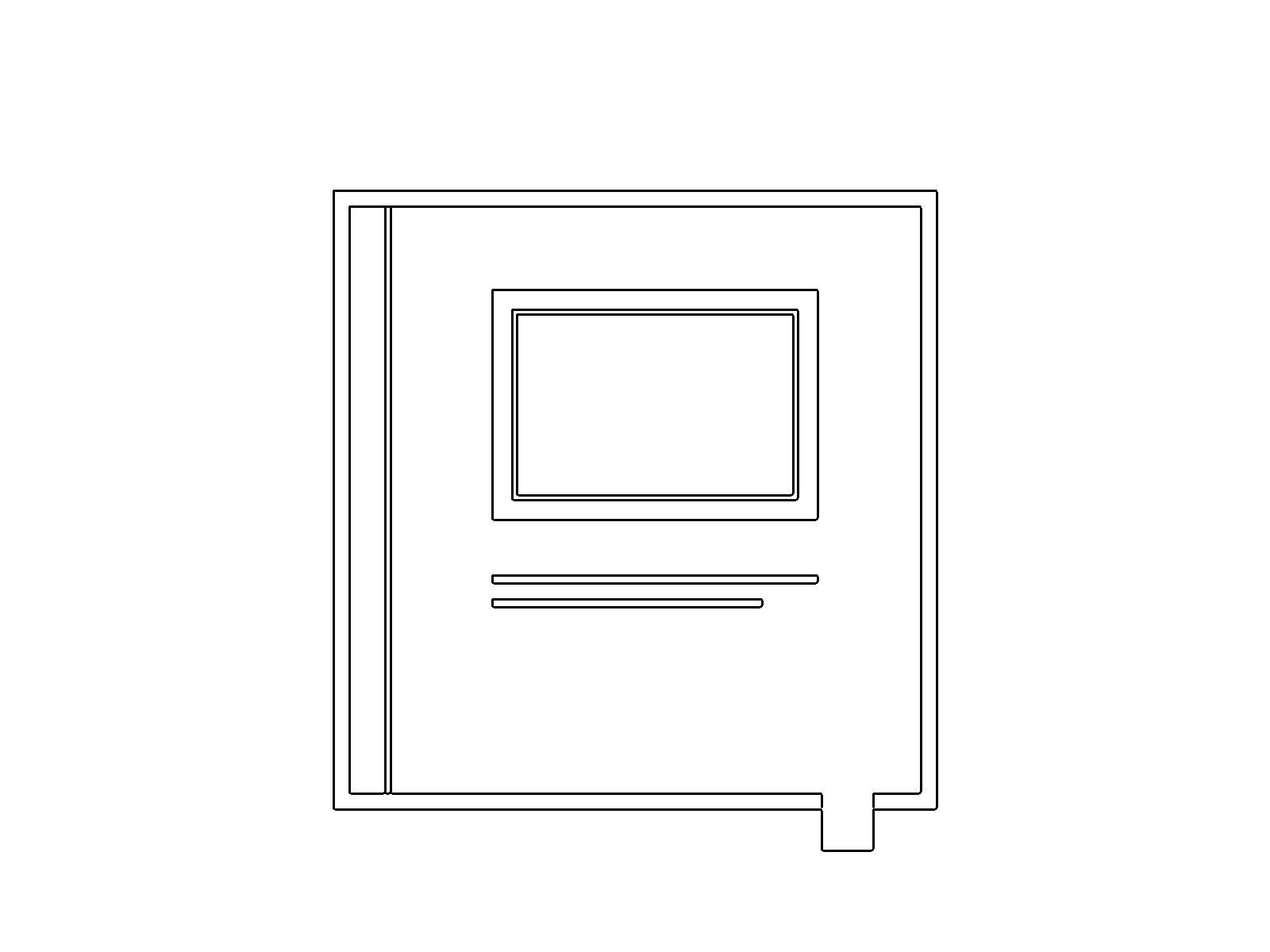
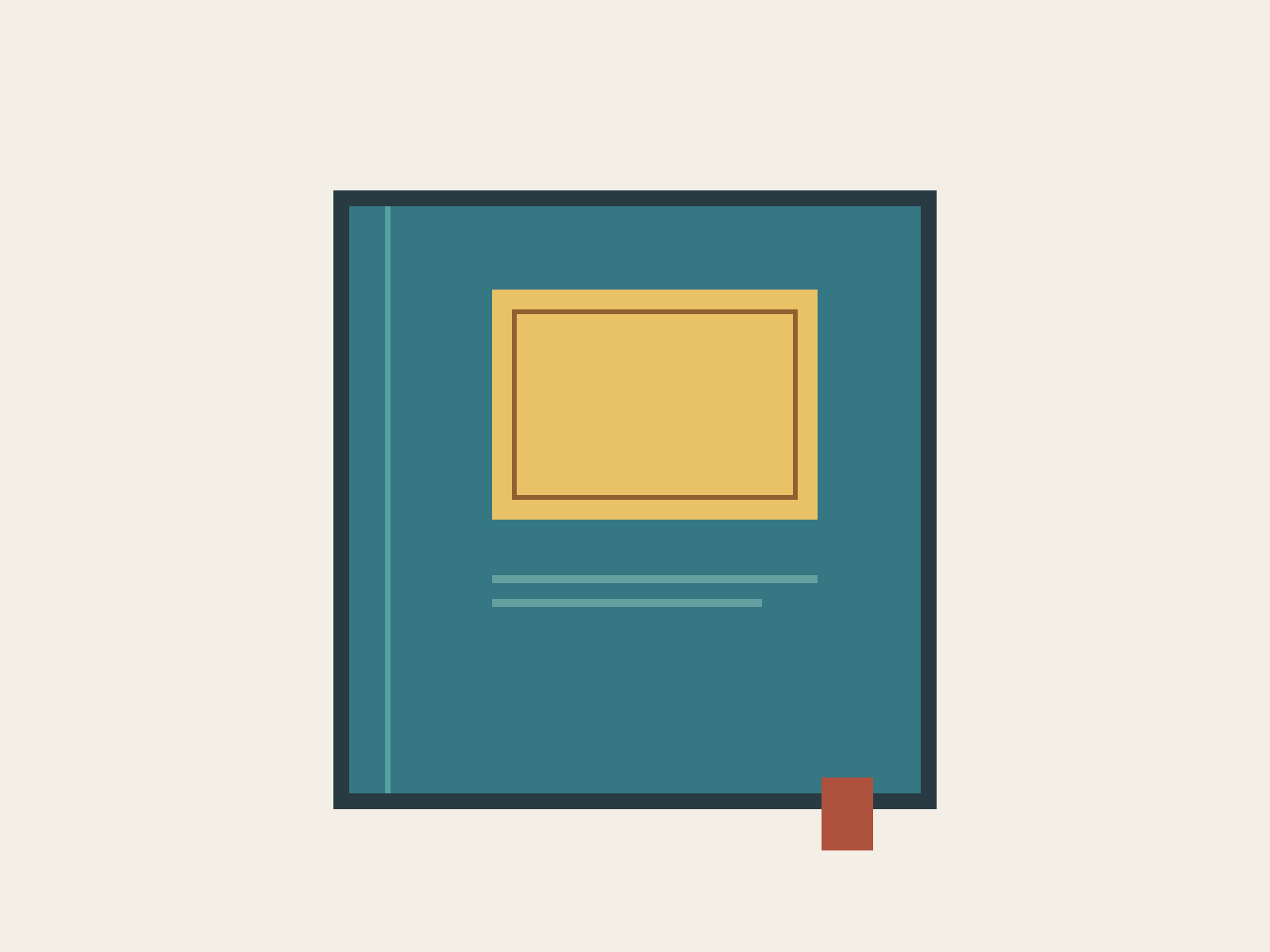 BeforeAfter
Both drawings use High detail, Medium line weight and a white background.
Pick a detail level for your line art
Low detail keeps only the strongest outlines, and High detail, the default, also traces the folds and inner edges of the subject.
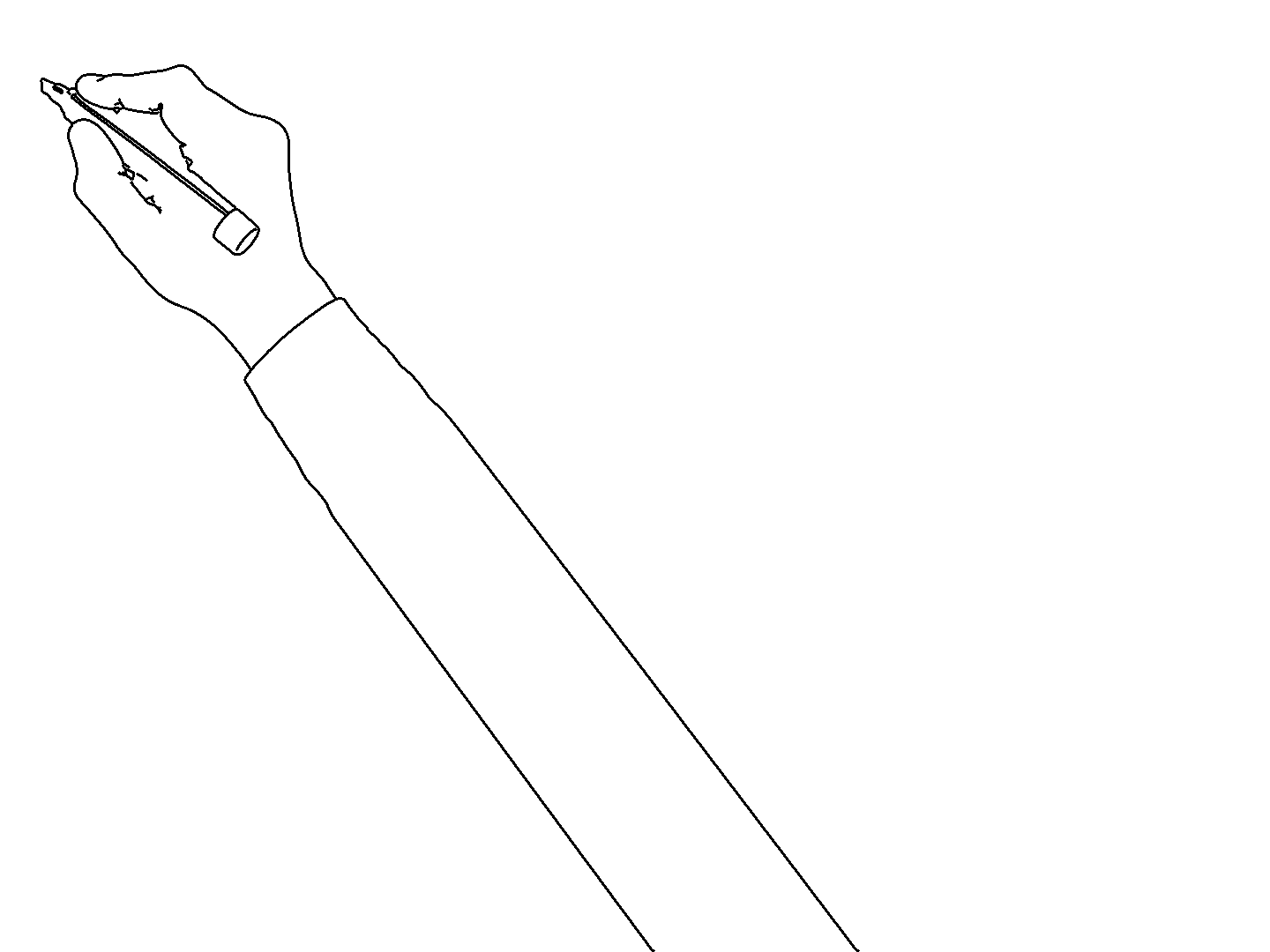
Low detail
Keeps the outline of the hand and marker and drops most inner lines, a good start for coloring pages.
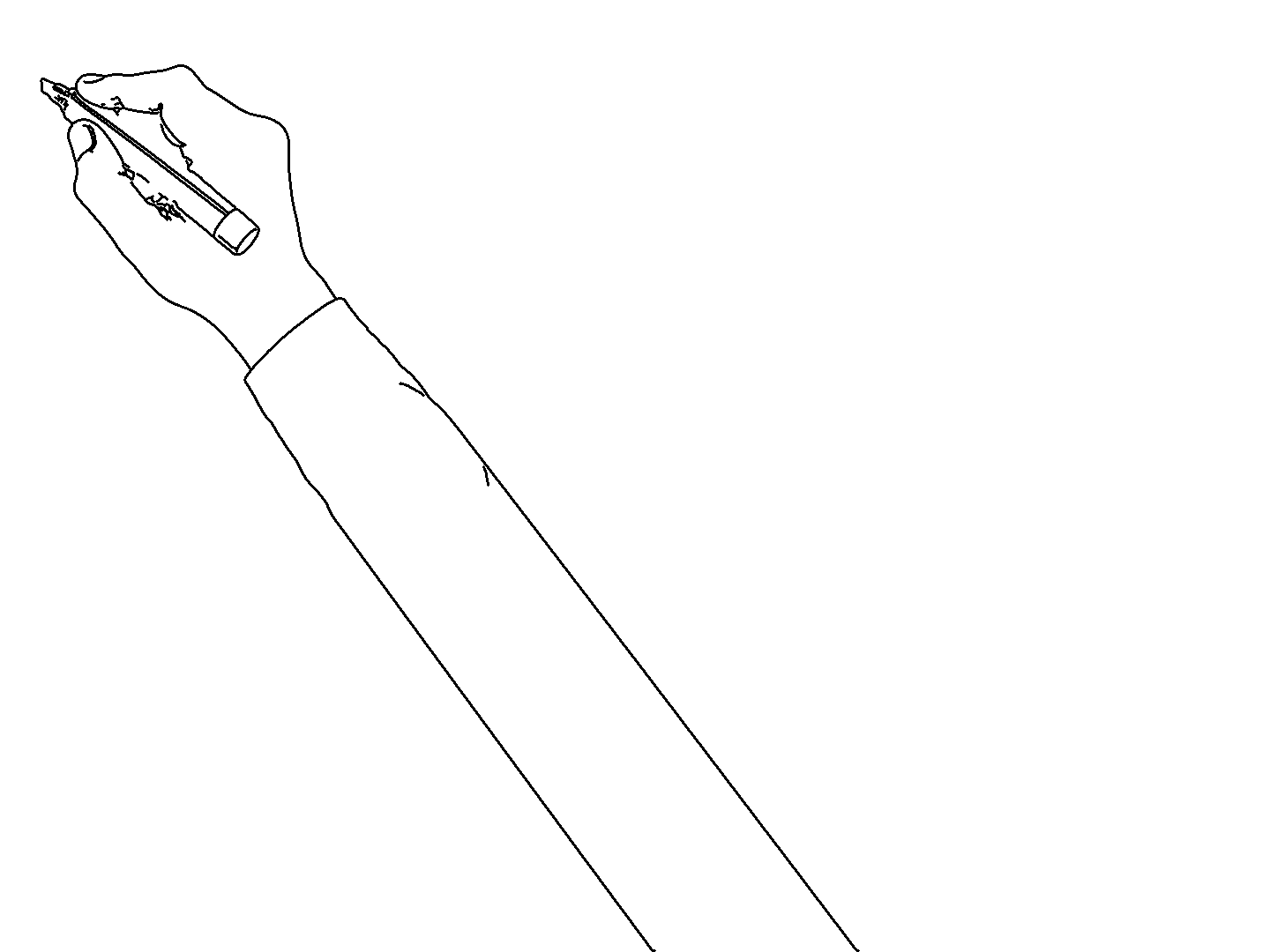
Medium detail
Adds the main finger creases while leaving the palm mostly open, a balance between outline and texture.
High detail
Traces the folds, knuckles and marker edges, the most complete drawing of the three and the default setting.
Image formats you can open and download
JPEG, PNG and WebP images open in the converter, and every result downloads as both PNG and SVG.
File format | Open | Download |
|---|---|---|
JPEG | ||
PNG | ||
WebP | ||
SVG |
The converter checks the file's content, not its extension, so a renamed file that is not a real image is rejected.
How to turn a picture into a line drawing
Drop in a JPEG, PNG, or WebP
Choose an image up to 20 MiB. Crop it first so the subject fills most of the frame and the background stays plain.
Set detail and line weight
Pick Low, Medium, or High detail and Thin, Medium, or Thick lines. Keep Remove background on for a transparent result.
Download PNG or SVG
Save a PNG for documents and slides, or an SVG with traced paths for vector editors and cutting software.
Why a line drawing looks messy, and how to fix it
Most messy line drawings come from the photo, not the settings: busy backgrounds, harsh shadows and small subjects all turn into extra lines.
A busy background
Every edge behind the subject becomes a line. Crop it out, or pick a photo shot against a plain wall.
Hard shadows across the subject
A sharp shadow edge is traced like an outline. Use even lighting, or lower the detail level.
A subject too small in the frame
Small features lose their edges when the image is scaled. Crop in until the subject fills the frame.
Low contrast between subject and background
A pale subject on a pale wall gives faint or broken outlines. Choose a photo with clear contrast.
Thick lines on a detailed photo
Thick lines close small gaps and blur fine details. Try Thin or Medium before you download.
Put your line drawing in a whiteboard video
Turn any text into a whiteboard explainer video, with your own line drawing as one of the scenes.
AmosVid is an AI whiteboard animation video generator that turns your script into a hand-drawn explainer video with voiceover in one click. In the 2:17 demo, any scene can be swapped for a library image or one you upload.
Sign in from the result to save the PNG to My images, then place it in any scene of your video.
Save the PNG to My images in one step
Swap it into any scene
Export a 1080p MP4
Transcript
Not a single frame of these videos was drawn by hand. Not a single cut was made by an editor. Every one of them came from a script. I'm Amos. I built AmosVid: if you have an idea, one click turns it into a hand-drawn explainer video.
Step one: paste in your script. AmosVid checks it first and tells you roughly how long the video will be and how many credits it will use. Pick a voice and a speed, in English or Chinese, then hit Generate. From here, AmosVid takes over. It has a built-in AI director. It reads your script, breaks it into shots, and decides what to draw in each one, how to frame it, and when every stroke lands. If the library has the right image, it picks the best fit. If not, it draws a new one on the spot. Then it adds the voiceover and sound effects. A video that used to take days now takes about as long as a cup of coffee.
Here's one it made: a short explainer on how planes fly, narrated by one of AmosVid's built-in voices. So flying isn't magic. It's air.
Don't like an image? There's no need to redo the whole video. Open that shot, then pick from the library, upload your own image, or search stock photos, and swap it in. Want a different look? Whiteboard, notebook, kraft paper or chalkboard. Switch styles in one click. You can also clone your own voice. Record about thirty seconds, and AmosVid will narrate your videos in your voice. In fact, from the very first line of this video, the voice you've been hearing is my clone.
Happy with it? Export a 1080p MP4 and share it anywhere. From an idea to a video, it's just one click. AmosVid is in beta. Sign up and get free credits. Visit amosvid.com and turn your ideas into videos.
Frequently asked questions
Is this photo to line drawing converter free?
Yes. Converting and downloading PNG and SVG files is free, with no sign-up and no watermark. An account is needed only to save the drawing to My images for a whiteboard video.
Is my photo uploaded to a server?
No. The line drawing is traced in your browser, and a test conversion made no network requests. The image is sent only if you choose to save the PNG to My images.
Can I download the line art as an SVG vector file?
Yes. Every result offers an SVG of traced spline paths next to the PNG. With Remove background on, the SVG has no background shape, so it opens cleanly in vector editors.
How is line art different from a pencil sketch filter?
This converter traces edges into solid lines and leaves everything else blank, with no shading. A pencil sketch filter keeps soft gray tones, so it looks drawn but is harder to color in or cut.
Can I make coloring pages from photos?
Yes. Use Low or Medium detail and Medium or Thick lines to get closed outlines with open areas to color. Turn Remove background off for a white page, then print the PNG.
Can I use the line drawing commercially?
The drawing is traced from your own image on your device, so its rights follow that image. Use it commercially only if you own the photo or have permission from the person who does.